Money 9.0 — A Fresh Look for Your Finances
May 25, 2026
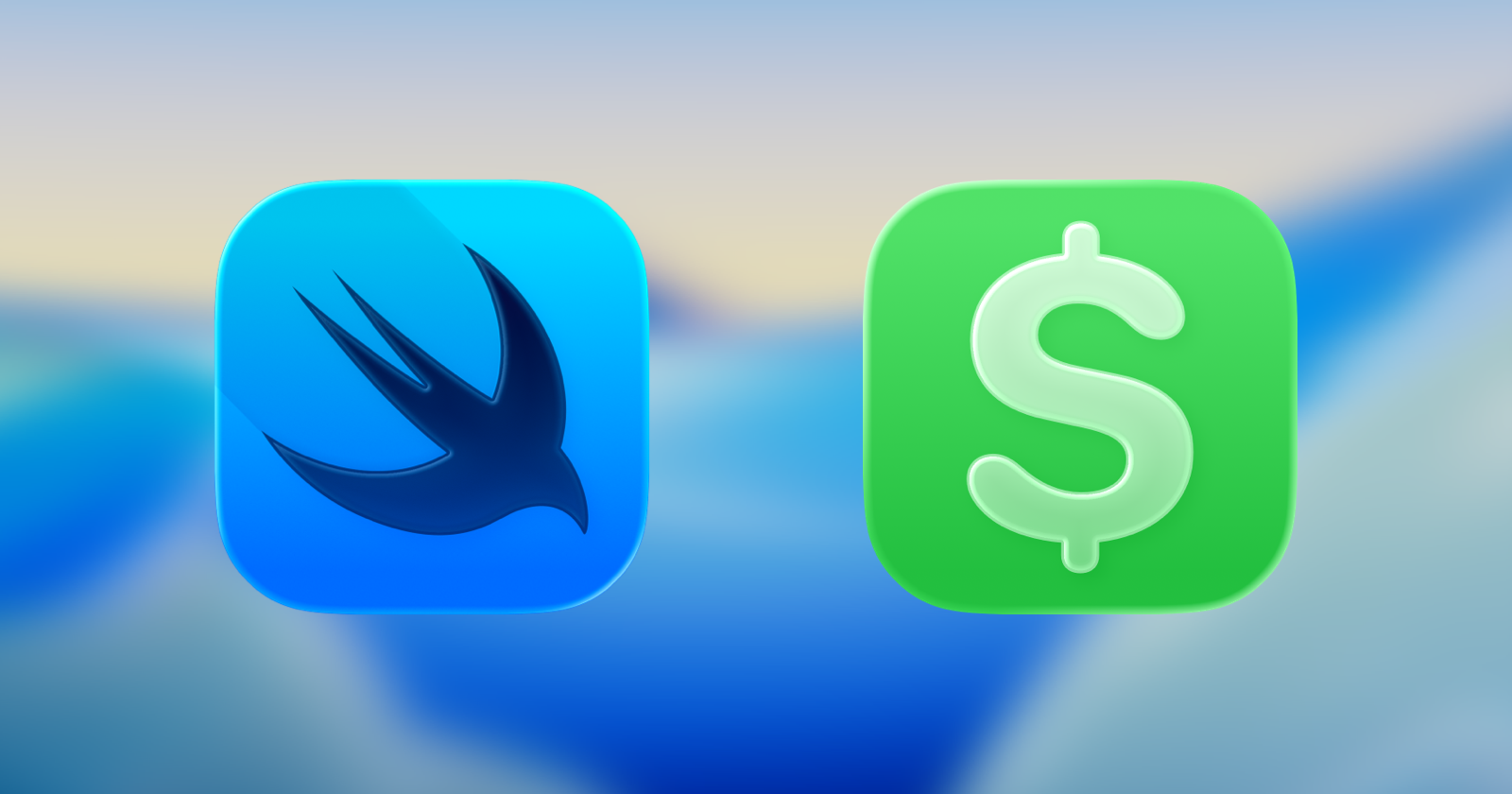
For over 20 years, Money has helped people manage their budgets, expenses, and savings — right on their iPhone, iPad, and Mac. Today, we’re rolling out the biggest visual refresh in the app’s history. Meet Money 9.0.
A brand new app icon
You’ll notice it the moment you open the App Store — Money has a completely new icon. Redesigned from the ground up to match Apple’s Liquid Glass language, it brings a fresh, modern feel to your Home Screen while still being instantly recognizable as Money. It’s a small detail with a big impact — and just the beginning of what’s new.
Liquid Glass, everywhere you look
Apple’s new design language — Liquid Glass — is the most significant evolution since iOS 7. We’ve embraced it across every screen of Money. Translucent controls, soft refractions, and surfaces that gently respond to light and motion. Your numbers stay front and center, while the interface quietly steps back.
Built for iOS 26, iPadOS 26, and macOS Tahoe 26
Money 9.0 has been updated for Apple’s latest platforms, with Swift powering key parts of the app for better performance and tighter integration. Whether you’re checking a budget on iPhone, reviewing transactions on iPad, or running reports on Mac — everything feels like one seamless experience.
What’s new in 9.0
– A completely redesigned app icon
– Liquid Glass UI across all controls, tab bars, and sidebars
– Swift-powered components for improved performance
– Faster animations and smoother transitions
– Effortless navigation with fewer taps to budgets, transactions, and reports
– Unified experience on iPhone, iPad, and Mac
– Updated typography, capsule controls, and full Dark Mode support
The same Money you trust
Everything you love about Money is still here. Your data stays on your device, sync happens through your own iCloud, and there are no subscriptions. Pay once, own forever — just like it has been since day one.
A free update for everyone
If you already own Money, version 9.0 is a free update — open the App Store and tap update. If you’re new here, welcome. We think you’ll love what 20 years of refining a personal finance app looks like in 2026.
Thanks for being part of the Money community. Here’s to the next chapter.
Get the new Money on the App Store!
— Jumsoft team
Empower Your Personal Finances Like Never Before
December 22, 2023
At Jumsoft, we are committed to help you take control of your personal finances and achieve your financial goals. With each new update, we aim to enhance your experience and provide you with even more powerful tools to manage your money effectively. In the world of personal finance, staying ahead often means adapting to changing needs and technology.
We’re excited to introduce you to the exciting changes and enhancements in Money. We’ll walk you through the new features, such as multiple budgets, savings goals, and a refreshed user interface, that will empower you to take charge of your financial future like never before. So, let’s dive in and explore how these updates will revolutionize the way you manage your personal finances with the Money App.
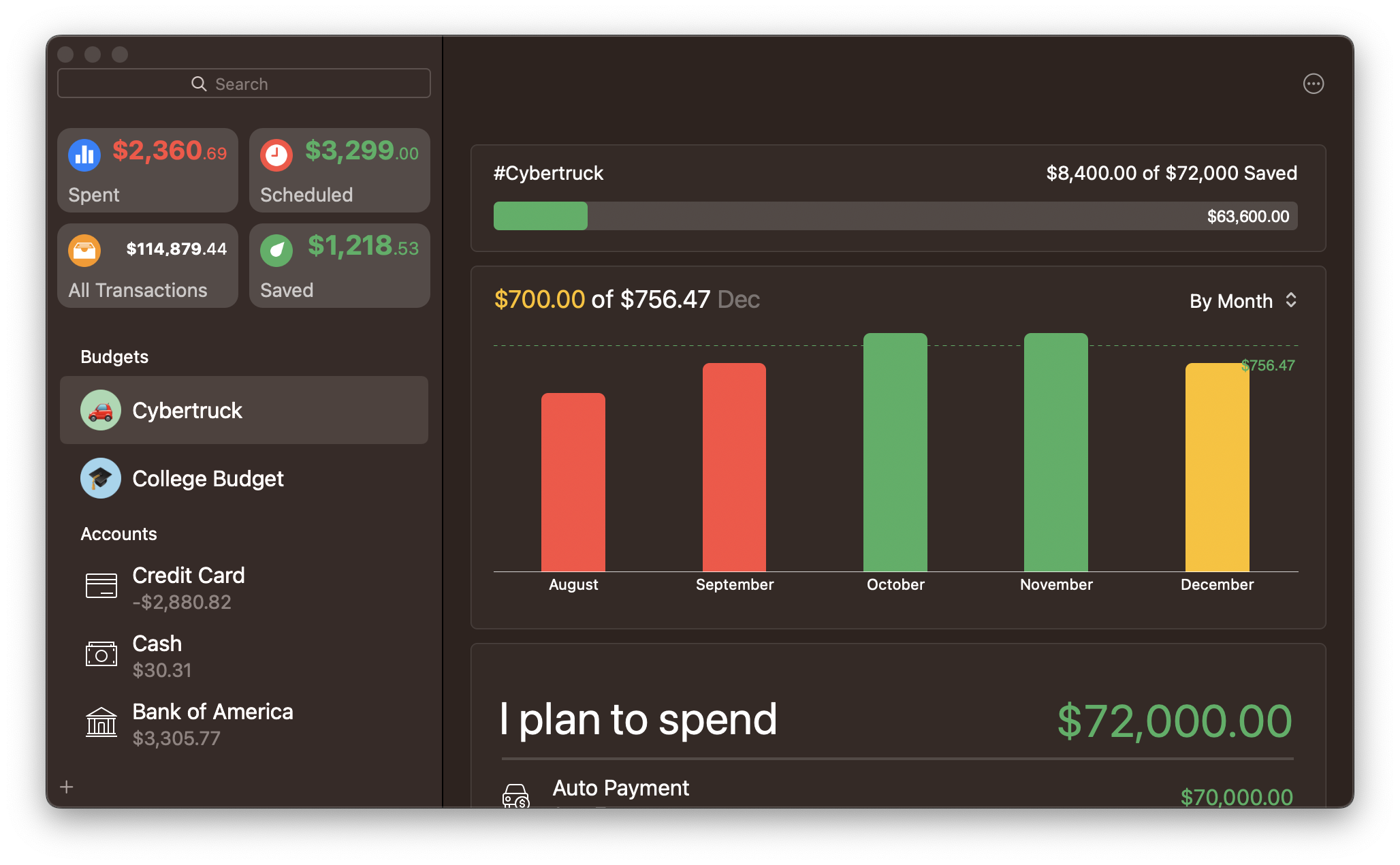
Multiple Budgets: Managing your finances is now even more flexible. With Money, you can create multiple budgets tailored to different financial goals or occasions. Whether you are planning a vacation, a house renovation, or even a birthday celebration, you can create dedicated budgets to keep your spending on track.
Savings Goals: Achieving financial milestones has never been easier. In this update, we introduce the Goals feature. Set specific financial targets (such as saving for a trip, for a wedding, etc.) and let the app calculate how much you need to save each month or week to reach your goal.
Refreshed User Interface: We’ve given “Money” a fresh and modern look. The redesigned user interface enhances usability, making it easier to navigate and access the tools you need. Managing your finances is now more intuitive and enjoyable.
This update is all about making your financial journey smoother and more rewarding. Ready to take control of your finances like never before? Update your Money App and start exploring these exciting new features today.
Money Money Money Money Money Money Money!
February 21, 2022
Doesn’t quite roll off the tongue, does it? Let’s try another way: Money 7! Much better! And we think you got the hint by now: the new Money 7 is available! Check out the App Store to download/update!
Why update, you ask? Because it’s awesome! But if you’re not convinced yet, let us give you more details. The biggest piece of news is the addition of Open Banking (PSD2) support, meaning that Money will now greatly expand its offering of Connected Accounts for European banks! Then, we took to our to-do list and fixed lots of bugs reported by our users over time, and proceeded to add new features with the “if it ain’t broke, don’t fix it” attitude. That’s why you’ll notice just subtle visual changes in the Mac version (except maybe for the gorgeous new transaction information popover. Go look at it, we’ll wait!) but it’s packing a lot more firepower under the hood that will make processing and syncing larger databases much more fluid.
“That’s it?” you might want to say, but hold on to your hats – we’re just getting started. Remember how you always wanted to get your latest transactions from the bank but had to go to your Mac to do it? Well, no more. Money for iOS/iPadOS is getting its own Connected Accounts support! And it’s not falling back: it supports all the same connections from Money for Mac including the Open Banking ones! What’s even better, transactions are now downloaded automatically at regular intervals when Money is open – so no more manual checking! Money will also learn from the changes to downloaded transactions and with time it should learn the changes you make to your imported transactions and proceed doing the heavy lifting for you.
Money for iOS/iPadOS is also getting full-featured account reconciliation as well as the popularly-demanded quick actions. You can now swipe transactions left and right to uncover the actions available for them. If it were a race, Money for mobile made amazing strides to catch up to its older sibling on a Mac, and we will not be stopping here! In a way it feels that we’re still only getting started with what we want Money to be, so there are a lot of great things coming in the future!
We’ve talked a lot about Money, now let’s talk about… money. Owners of Money Standard from previous versions are still getting everything they paid for: unlimited use of the app sans Connected Accounts. Premium features on Money for iOS work under the same single Money Premium plan, so Premium subscribers don’t need to do anything else, only enjoy the convenience of Money available on more devices than before!